
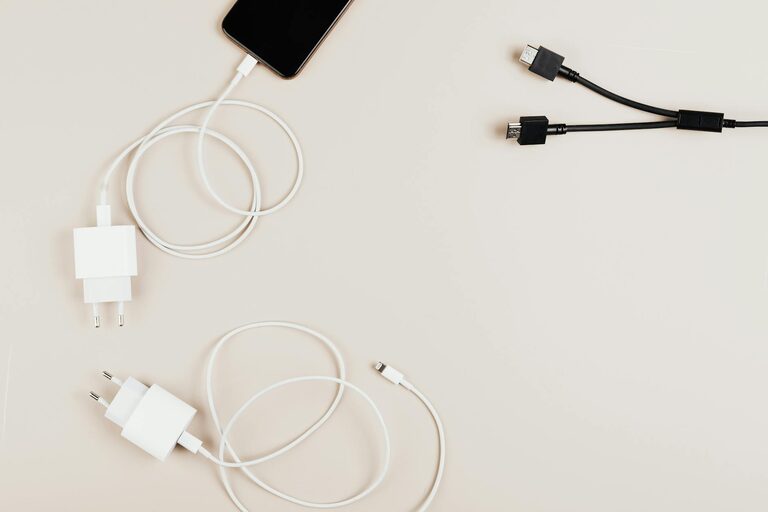
Setting up a dedicated charging station for your devices is a smart way to keep your home organized and ensure that your gadgets are always ready to use. Whether you have multiple smartphones, tablets, laptops, or wearable devices, having one central spot to charge everything can simplify your daily routine and reduce clutter caused by cables and chargers scattered around your space.
In this guide, we’ll walk you through the process of creating a functional and stylish charging station tailored to your needs.
Why Set Up a Charging Station?
Before diving into the setup, let’s look at the benefits of having a charging station:
– Organization: Keeps cables, chargers, and devices neatly arranged.
– Efficiency: Saves time by having all devices charged in one place.
– Safety: Reduces risks of tripping over cables and minimizes wear on chargers.
– Aesthetics: Creates a clean and tidy environment.
Step 1: Choose the Right Location
The first step is picking the best spot for your charging station. Consider these factors:
– Accessibility: Select a place everyone can easily reach, such as a kitchen counter, desk, or entryway table.
– Power Sources: Ensure there are enough electrical outlets nearby to handle multiple chargers or a power strip.
– Visibility: Place it in a well-lit, visible area so you remember to plug in devices regularly.
Step 2: Gather Necessary Equipment
To build an effective charging station, you’ll need some basic items:
– Multi-port USB charger: A charger with several USB ports allows multiple devices to charge simultaneously.
– Power strip or extension cord: Helps manage multiple plugs if your power source is limited.
– Charging cables: Have the correct cables for your devices; consider labeling them for easy identification.
– Organizer or storage: Use trays, boxes, or stands to keep devices upright and cables tidy.
– Cable management tools: Cable clips, ties, or sleeves help prevent tangling and clutter.
Step 3: Plan the Layout
Think about how many devices you need to charge regularly and their sizes. This will affect your station’s layout:
– Vertical stands: Useful for smartphones and tablets, saving desk space.
– Cable lengths: Keep cables short to avoid excess slack but long enough to reach the power source comfortably.
– Device spacing: Allow some space between devices to prevent overheating.
Sketch a rough design or simply experiment with different arrangements to find what works best.
Step 4: Set Up Power and Manage Cables
– Plug in the multi-port charger to the power strip or directly into the outlet.
– Connect charging cables to the charger or adapter.
– Use cable clips or ties to bundle cables neatly along the surface or behind furniture.
– Secure cables to avoid accidental unplugging or tripping hazards.
If you have a wall-mounted station, consider using adhesive cable organizers to keep wires off counters.
Step 5: Organize Devices
Place each device in its designated spot. Label holders or use color-coded cable ties to make it easy for everyone in the household to identify their charger and cable.
For extra convenience, you might add a small basket or drawer nearby for less frequently used accessories like earbuds or external batteries.
Bonus Tips for a Great Charging Station
– Add a surge protector: Protect your devices from electrical spikes.
– Incorporate wireless charging: If your devices support it, include wireless charging pads to reduce cable clutter.
– Personalize your station: Decorate with small plants, pictures, or other items to match your home décor.
– Regular maintenance: Clean and reorganize your station periodically to keep it efficient and dust-free.
Common Mistakes to Avoid
– Overloading outlets: Only use chargers and power strips rated for the number of devices you have.
– Ignoring ventilation: Charging multiple devices generates heat; keep your station in a well-ventilated space.
– Using incompatible chargers: Use chargers appropriate for each device to preserve battery health.
Conclusion
Creating a charging station is an easy DIY project that can greatly improve how you manage your electronic devices. By choosing the right location, gathering the appropriate gear, and organizing everything thoughtfully, you can enjoy a clutter-free, convenient spot that keeps all your gadgets powered up and ready to go.
Start designing your own charging station today to experience a more organized and efficient home!